Overview
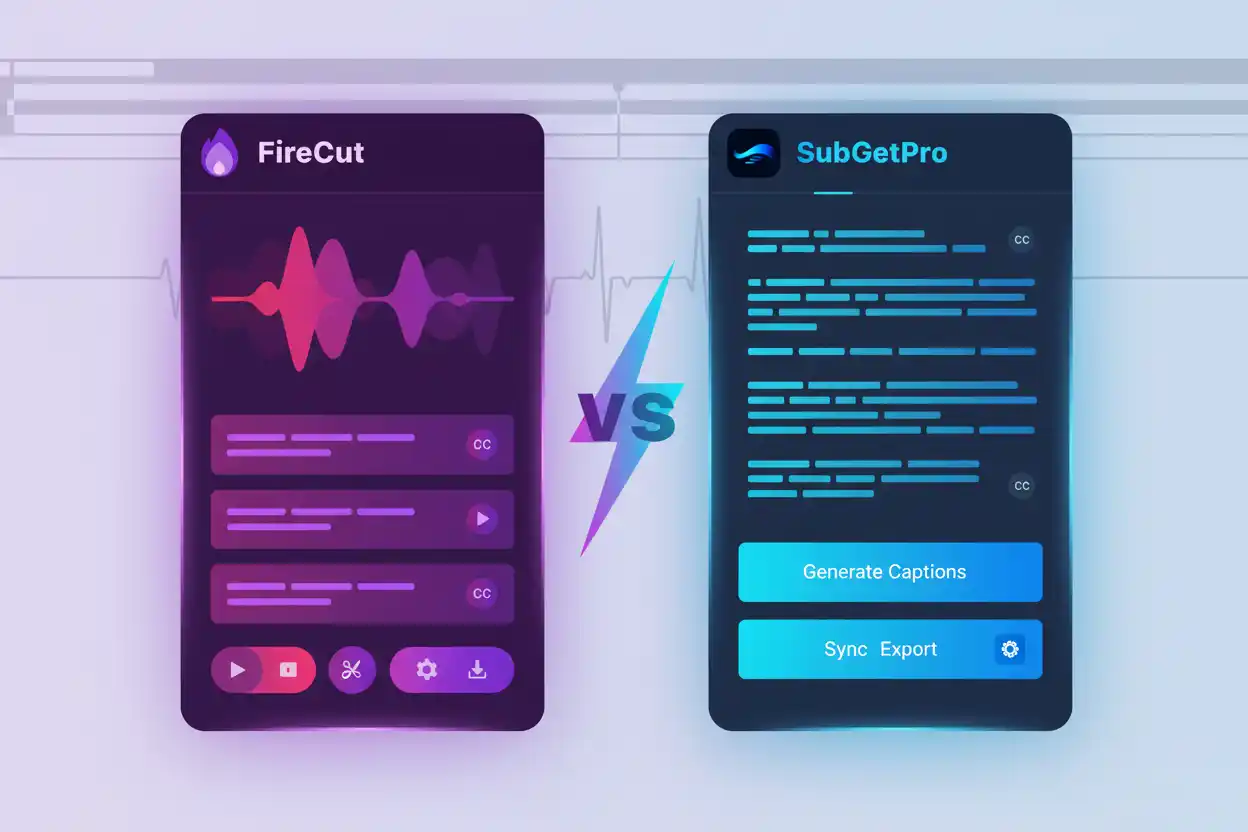
Both SubGetPro and Firecut are popular Premiere Pro extensions for subtitle generation, but they take very different approaches to pricing and features.
Pricing Comparison
SubGetPro: $29 one-time payment for lifetime access
Firecut: $34/month or $408/year subscription
Over one year, SubGetPro saves you $379 compared to both Firecut's monthly and annual plans.
Feature Comparison
SubGetPro Features:
- AI-powered transcription with Whisper
- 100+ languages supported
- Completely offline processing
- Work Area and Selected Clips modes
- Built-in SRT editor with RTL support
- Text edit mode for quick corrections
- Silence detection
Firecut Features:
- AI transcription
- Silence removal
- Chapter detection
- Podcast editing tools
- Cloud-based processing
Privacy & Security
SubGetPro processes everything locally on your machine. Your audio never leaves your computer, ensuring complete privacy and security.
Firecut uses cloud-based processing, which means your audio files are uploaded to their servers.
Which Should You Choose?
Choose SubGetPro if you:
- Want a one-time payment with no subscriptions
- Need complete privacy and offline processing
- Focus primarily on subtitle generation
- Work with sensitive or confidential content
Choose Firecut if you:
- Don't mind monthly subscriptions
- Need additional podcast editing features
- Prefer cloud-based processing
Conclusion
For most users focused on subtitle generation, SubGetPro offers better value with its one-time payment, complete privacy, and powerful features.