The Descript Dilemma
Descript is a powerful video editing tool, but it's not designed for Premiere Pro users. If you're already invested in the Adobe ecosystem, Descript creates more problems than it solves.
Why Descript Doesn't Fit Premiere Pro Workflows
1. Separate Editing Environment
Descript requires you to leave Premiere Pro entirely. You can't edit your video in Premiere and use Descript for subtitles simultaneously.
2. Expensive Subscription
Descript costs $24/month for the Creator plan or $40/month for Pro. That's $288-$480 per year just for features you might only use occasionally.
3. Learning Curve
Descript has its own unique interface and workflow. If you're already proficient in Premiere Pro, learning a new tool adds unnecessary complexity.
4. Export/Import Hassles
To use Descript with Premiere Pro, you need to:
- Export your video from Premiere
- Import it into Descript
- Generate subtitles
- Export the SRT file
- Import back into Premiere
This workflow is time-consuming and inefficient.
Better Alternatives for Premiere Pro Users
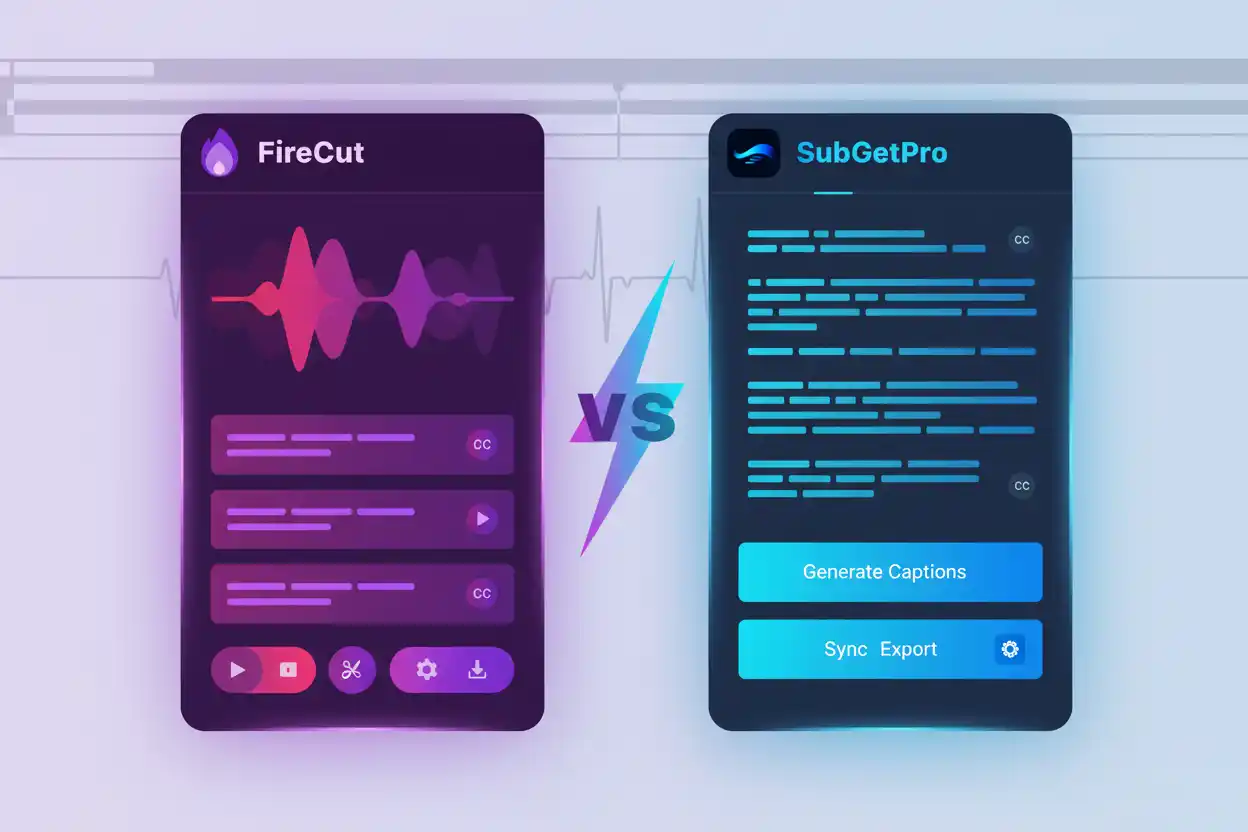
SubGetPro
SubGetPro integrates directly into Premiere Pro as an extension:
- Native Integration: Works inside Premiere Pro
- One-Time Payment: $29 for lifetime access
- No Learning Curve: Familiar Premiere Pro interface
- Instant Workflow: Generate and edit subtitles without leaving Premiere
- Offline Processing: Complete privacy and security
When Descript Makes Sense
Descript is a good choice if you:
- Don't use Premiere Pro as your primary editor
- Need advanced audio editing features
- Want text-based video editing
- Are willing to pay monthly subscriptions
Conclusion
For Premiere Pro users who primarily need subtitle generation, SubGetPro offers a more integrated, affordable, and efficient solution than Descript.