AI Subtitles for
Premiere Pro
Generate accurate subtitles directly in Premiere Pro with local Whisper AI. Process everything offline—no cloud uploads, no monthly fees.
Watch Demo
Powerful Features
Everything you need for professional subtitle generation
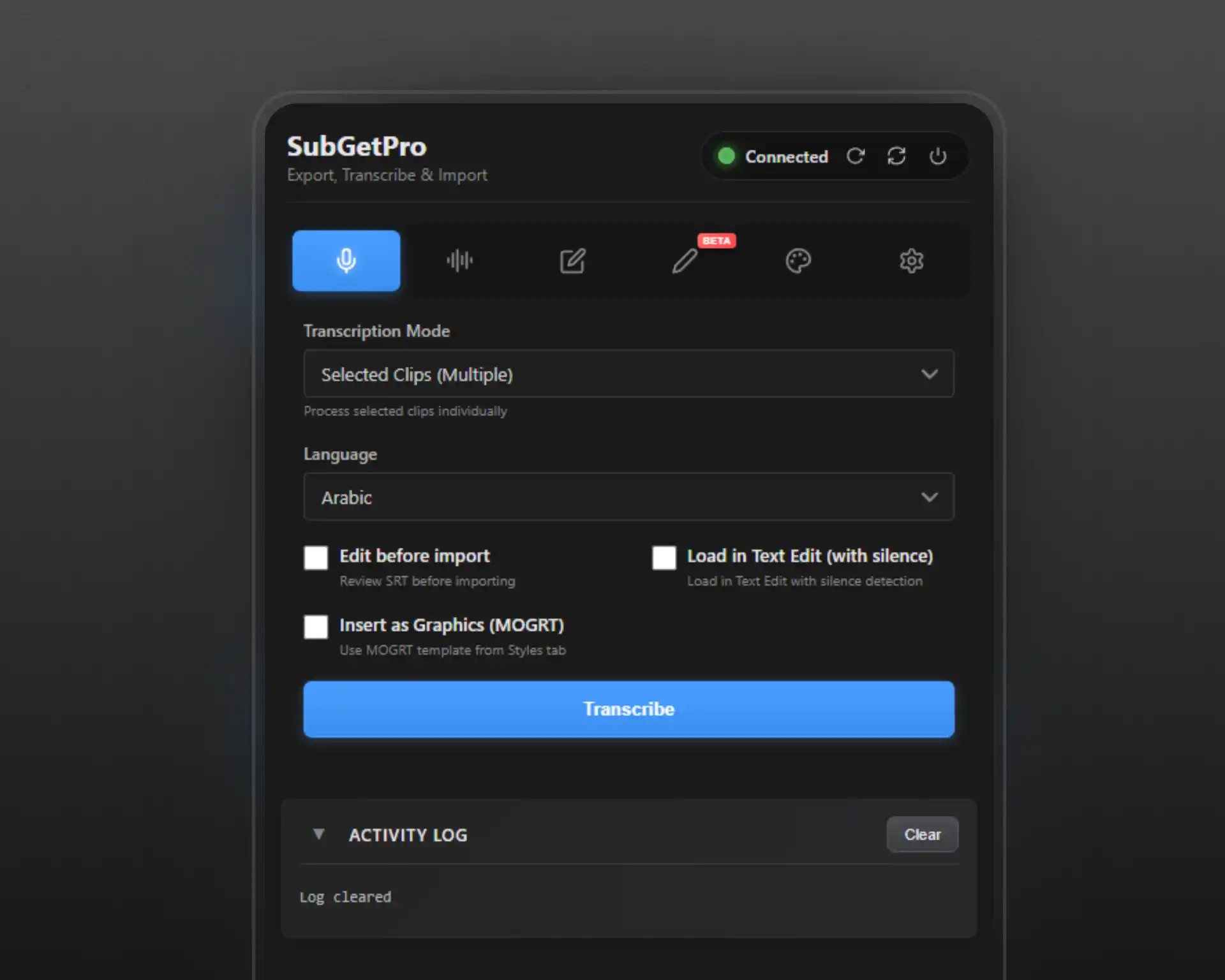
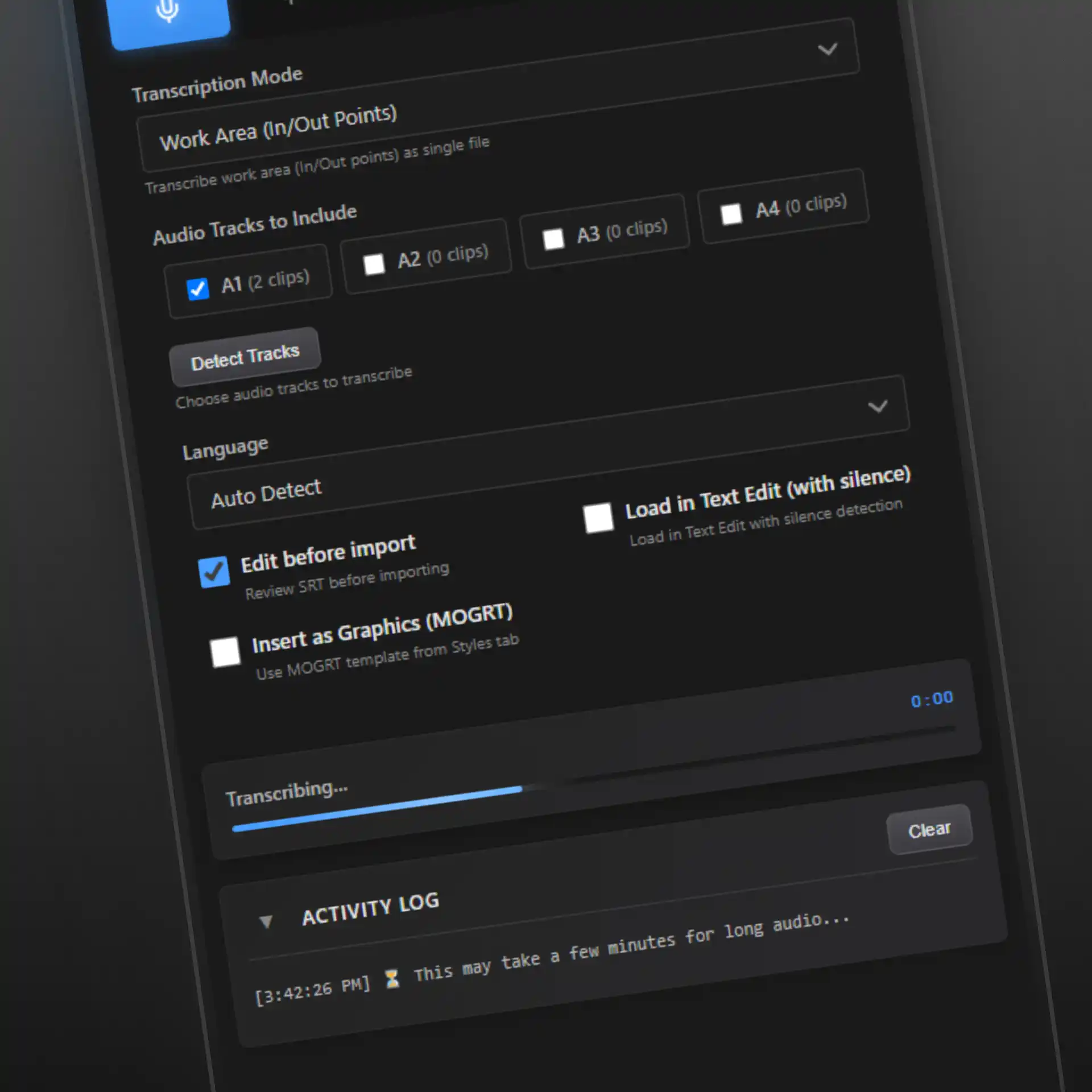
Transcribe
One-click transcription with Selected Clips or Work Area modes. Track detection with clip counts.
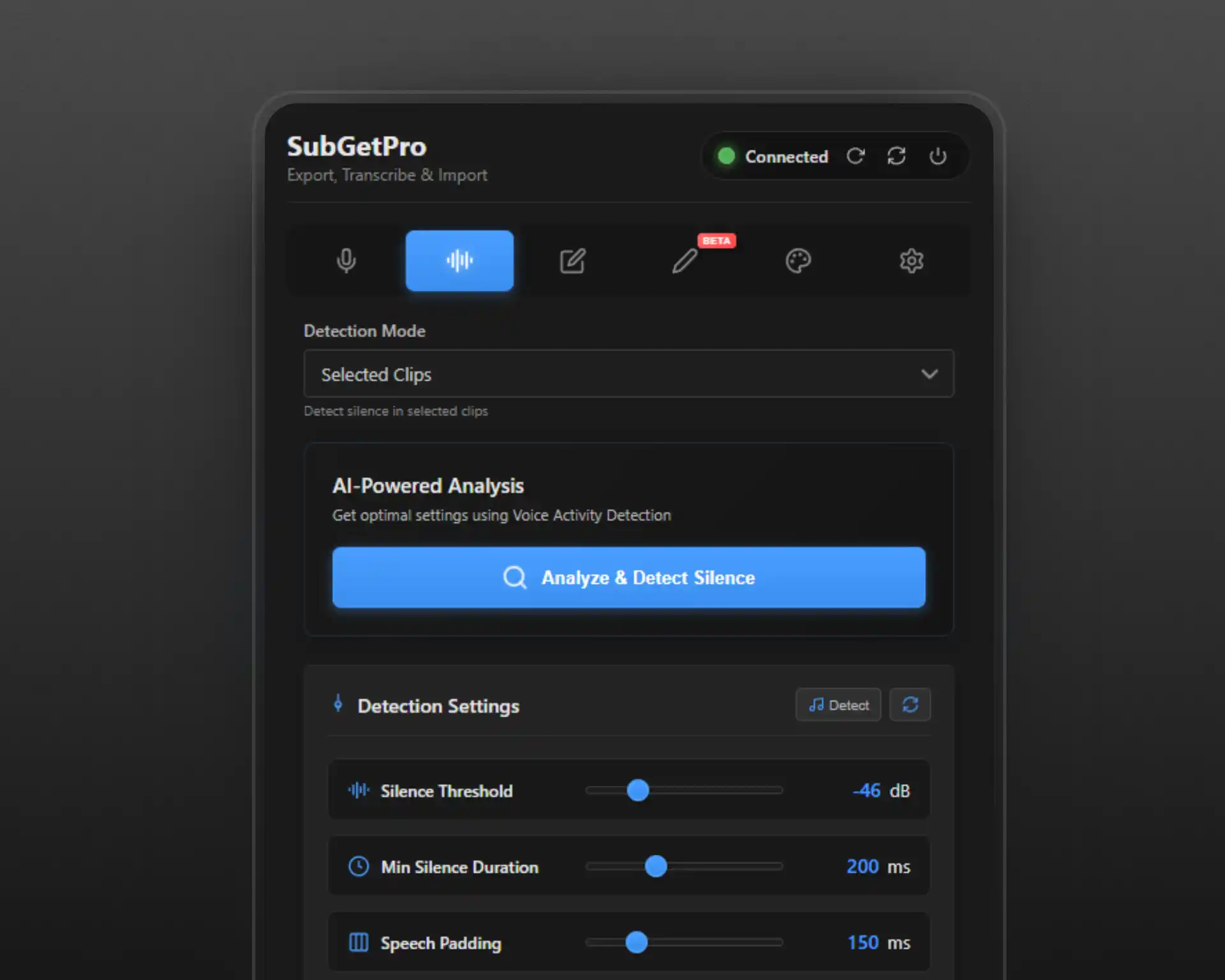
Silence Detection
Automatically detect silent sections. Perfect for cutting dead air and optimizing content.
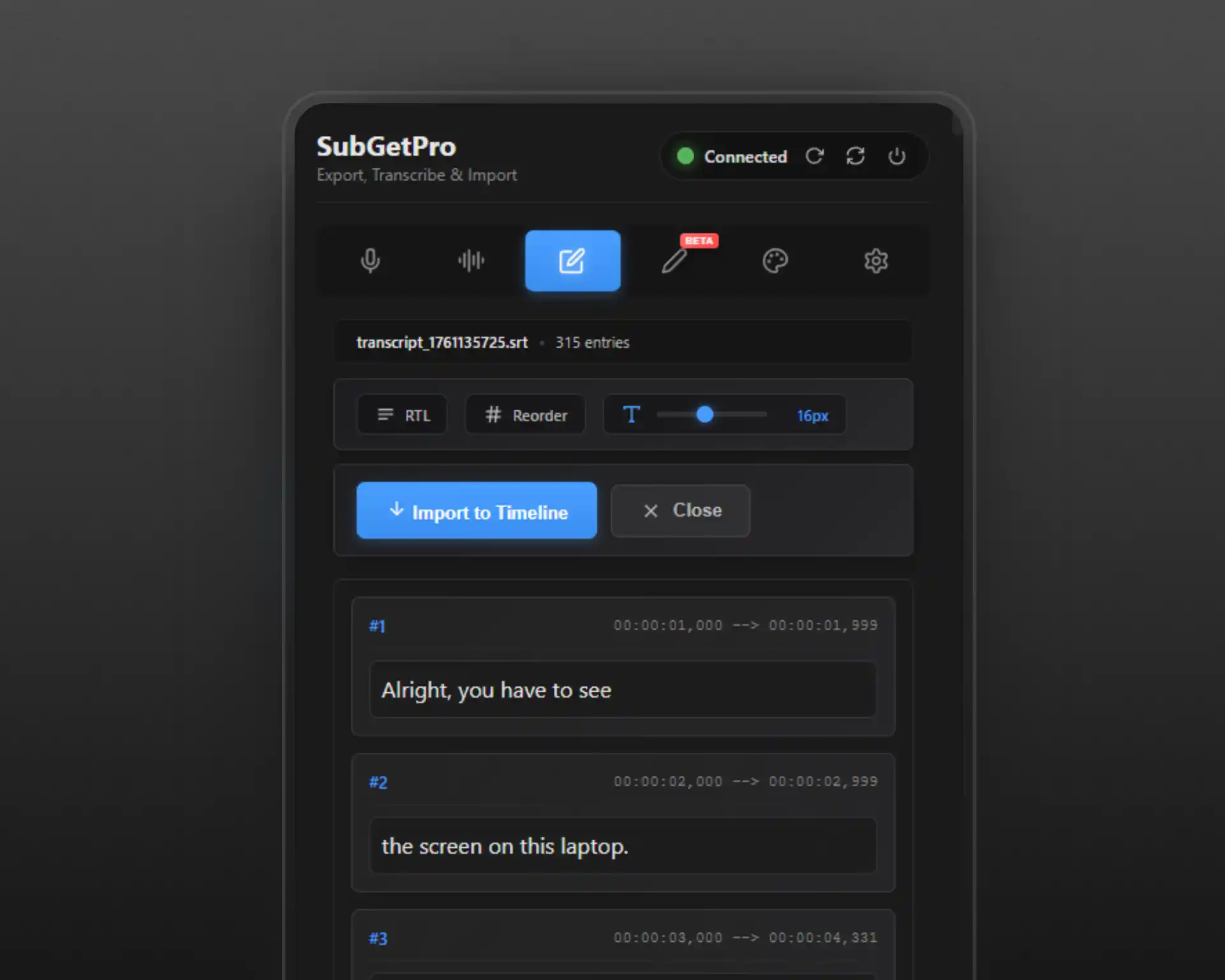
SRT Editor
Full-featured editor with drag & drop, RTL support, and timeline synchronization.
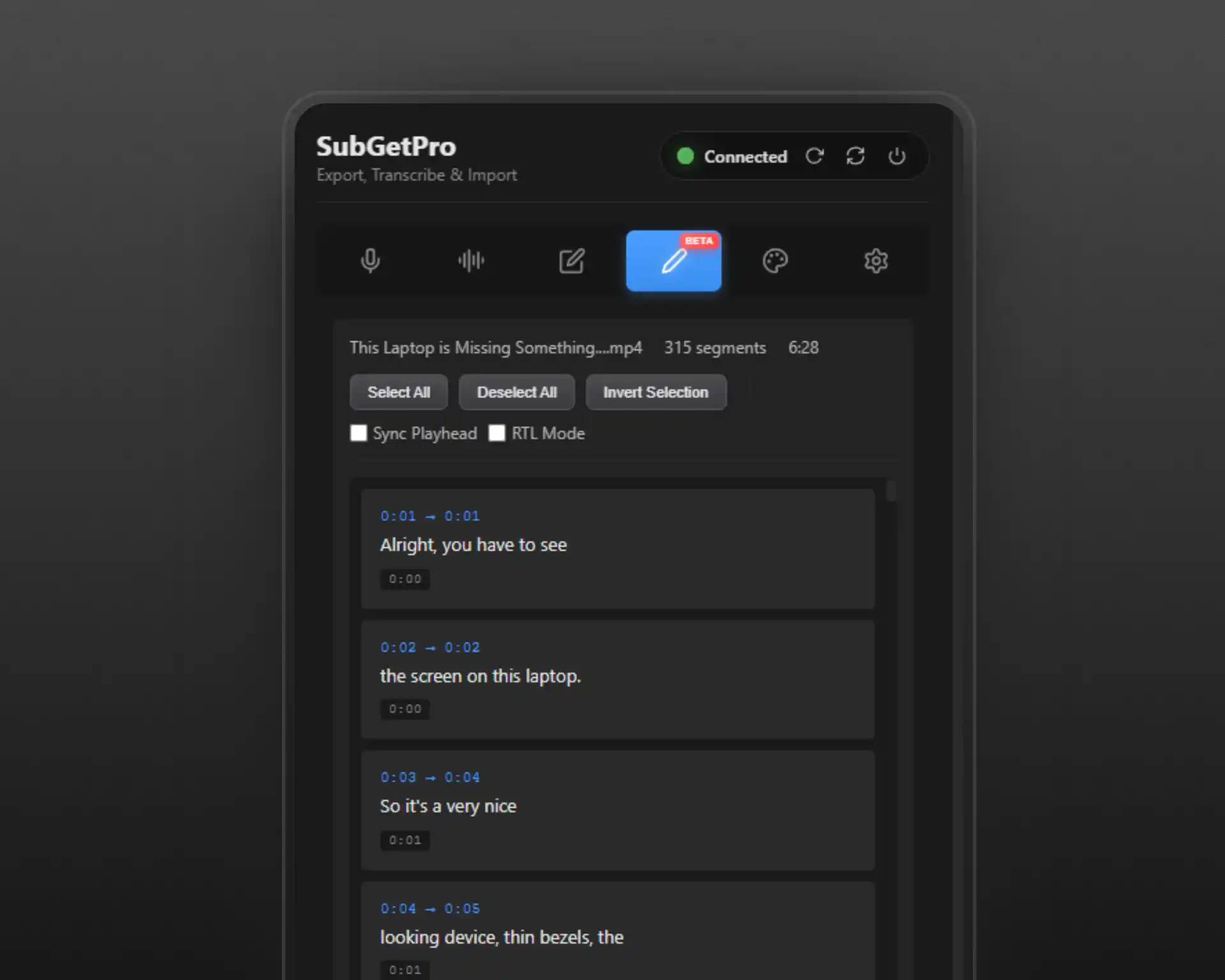
Text Edit Mode
Edit transcripts as plain text. Generate SRT and insert directly to timeline.
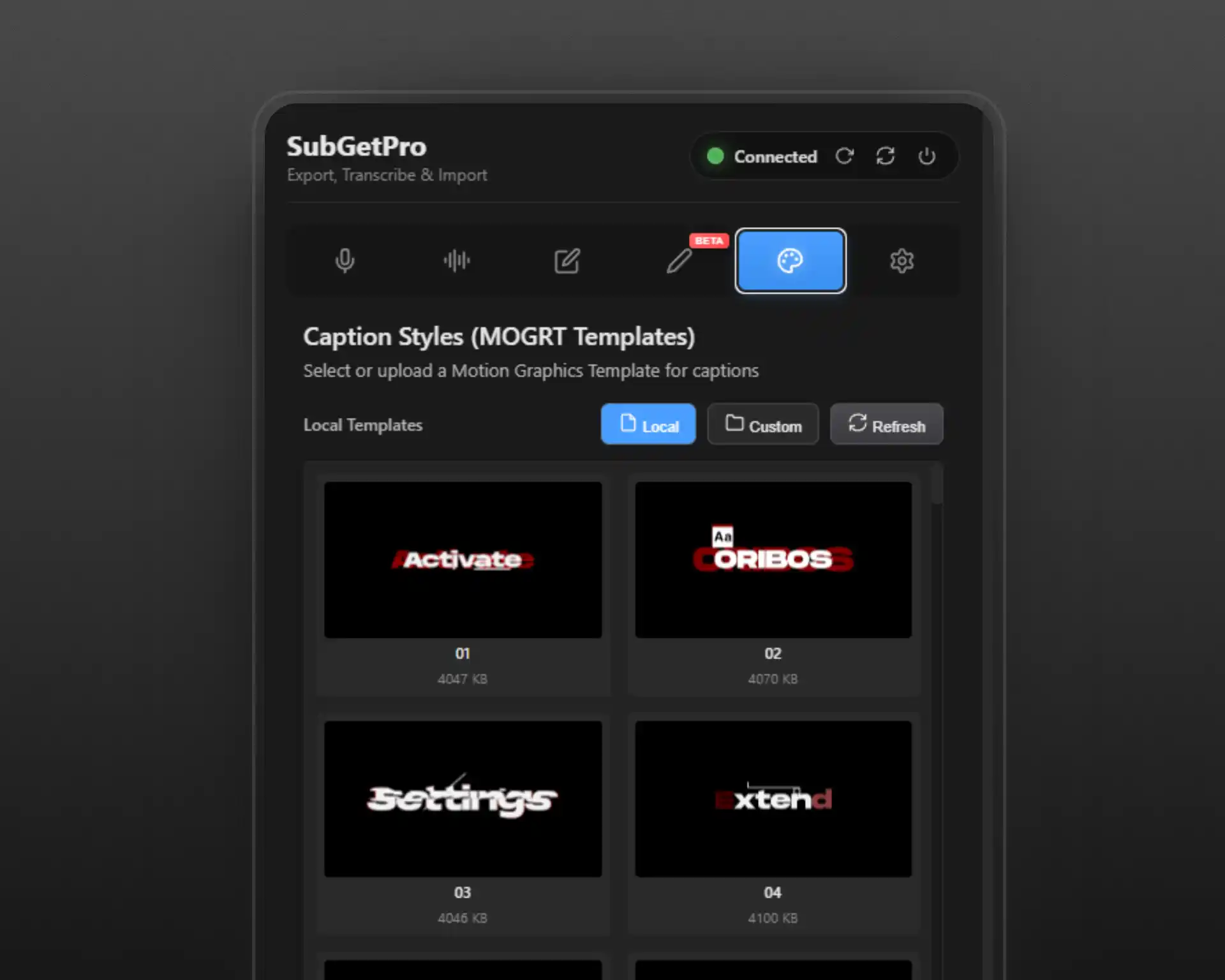
MOGRT Styles
Custom caption styling with Motion Graphics templates. Apply professional designs instantly.
100% Local
All processing on your machine. No cloud uploads, complete privacy and security.
Complete Feature Set
Everything you need for professional subtitle generation, built into one powerful extension. No hidden features, no upgrades required.
Work Area Mode
Transcribe using In/Out points with automatic clip merging and gap handling. Perfect for processing specific sections of your timeline without exporting individual clips.
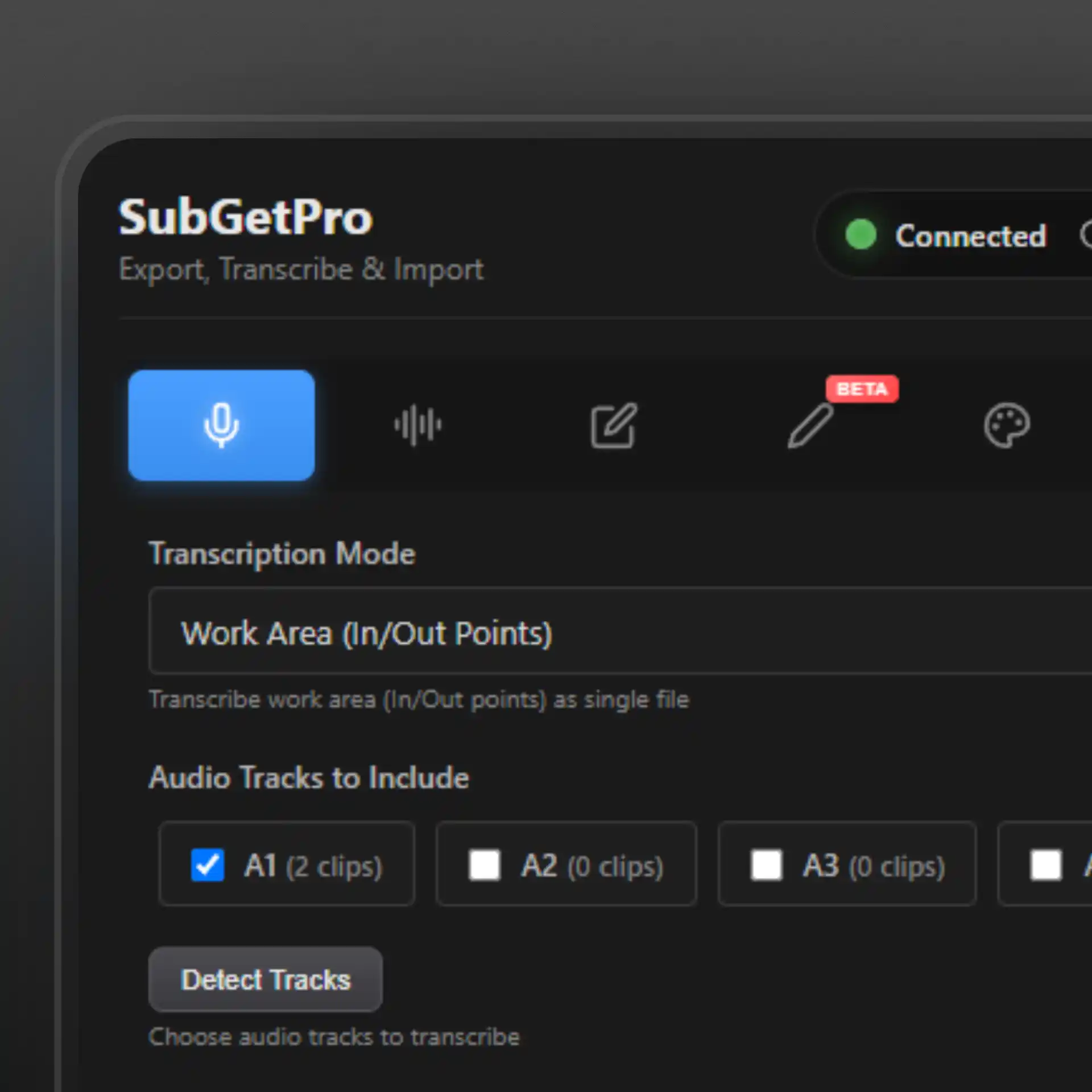
Track Detection
Automatically detects audio tracks with clip counts and detailed information. Choose which tracks to process with an intuitive interface.
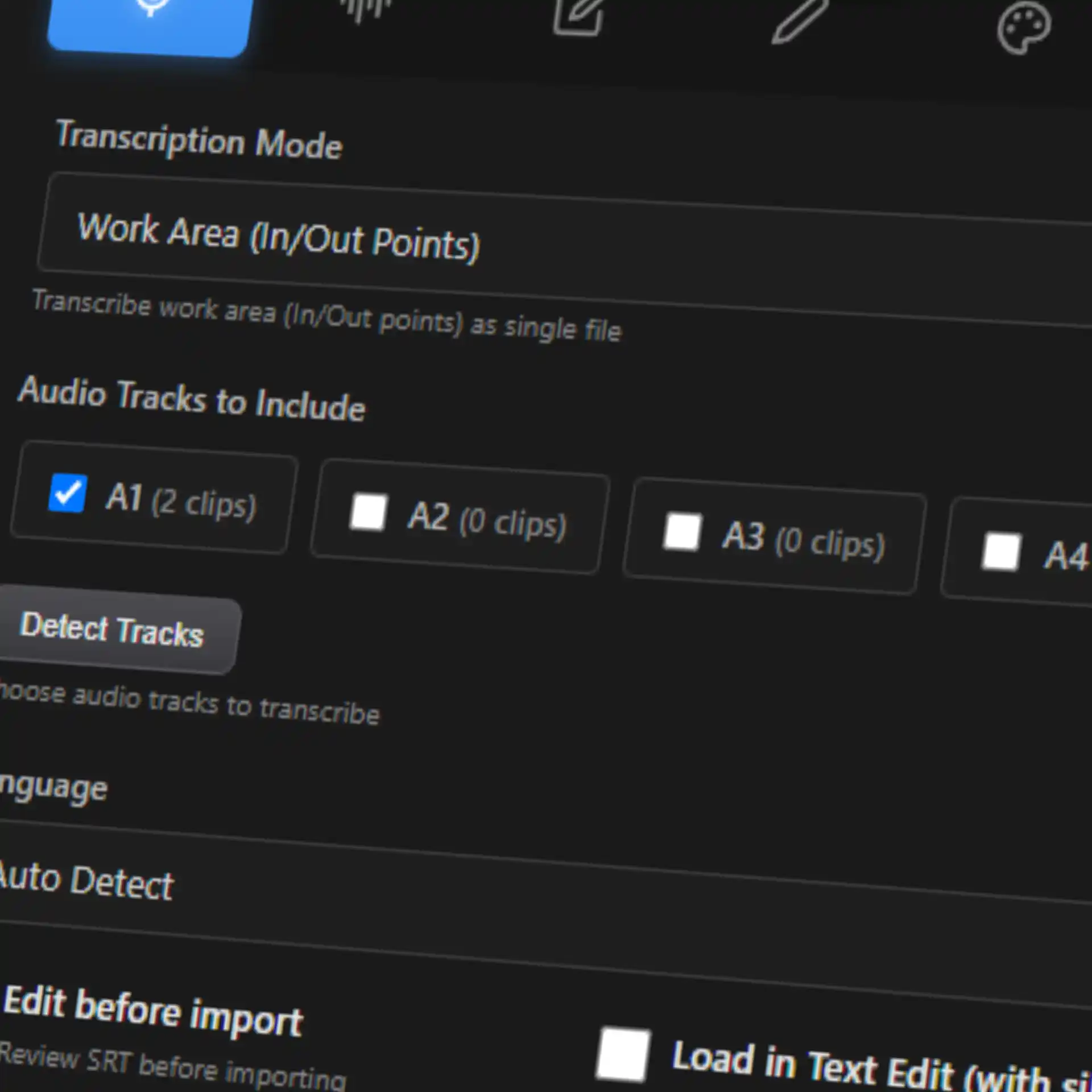
Direct Timeline Import
Import subtitles directly as caption tracks in Premiere Pro. No manual file importing or external tools required.
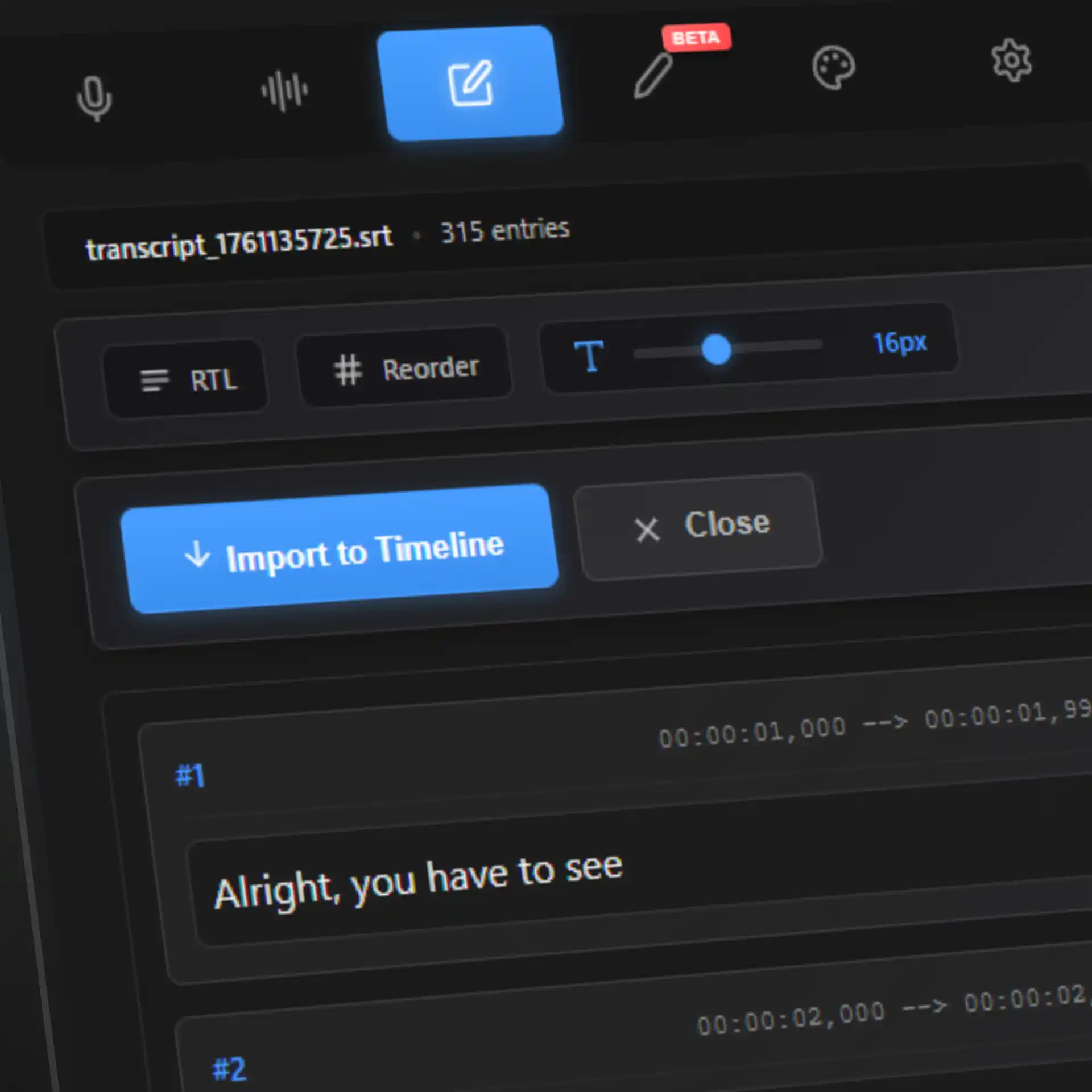
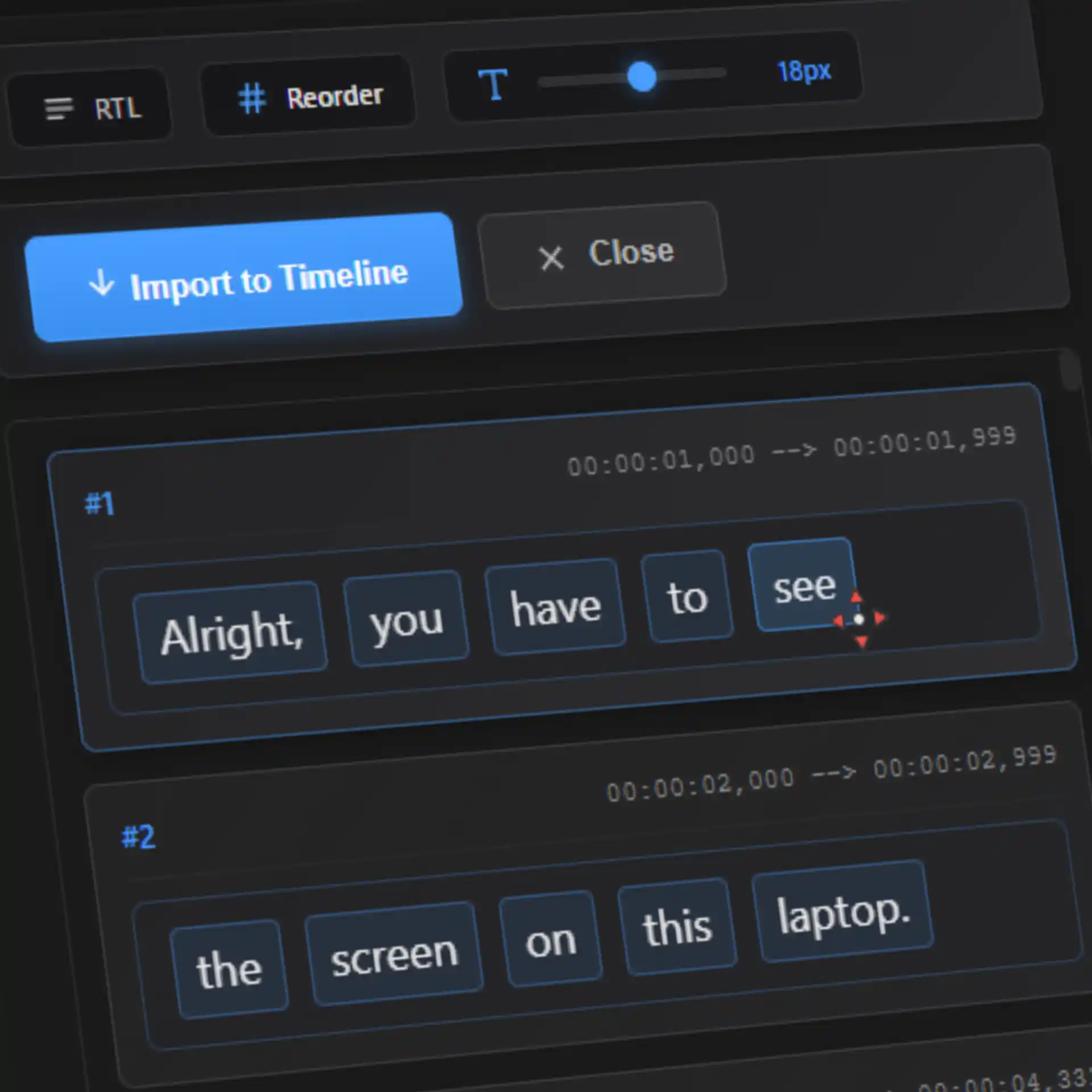
Drag & Drop Editing
Reorder subtitles with an intuitive drag and drop interface. Edit text, timing, and formatting with ease.
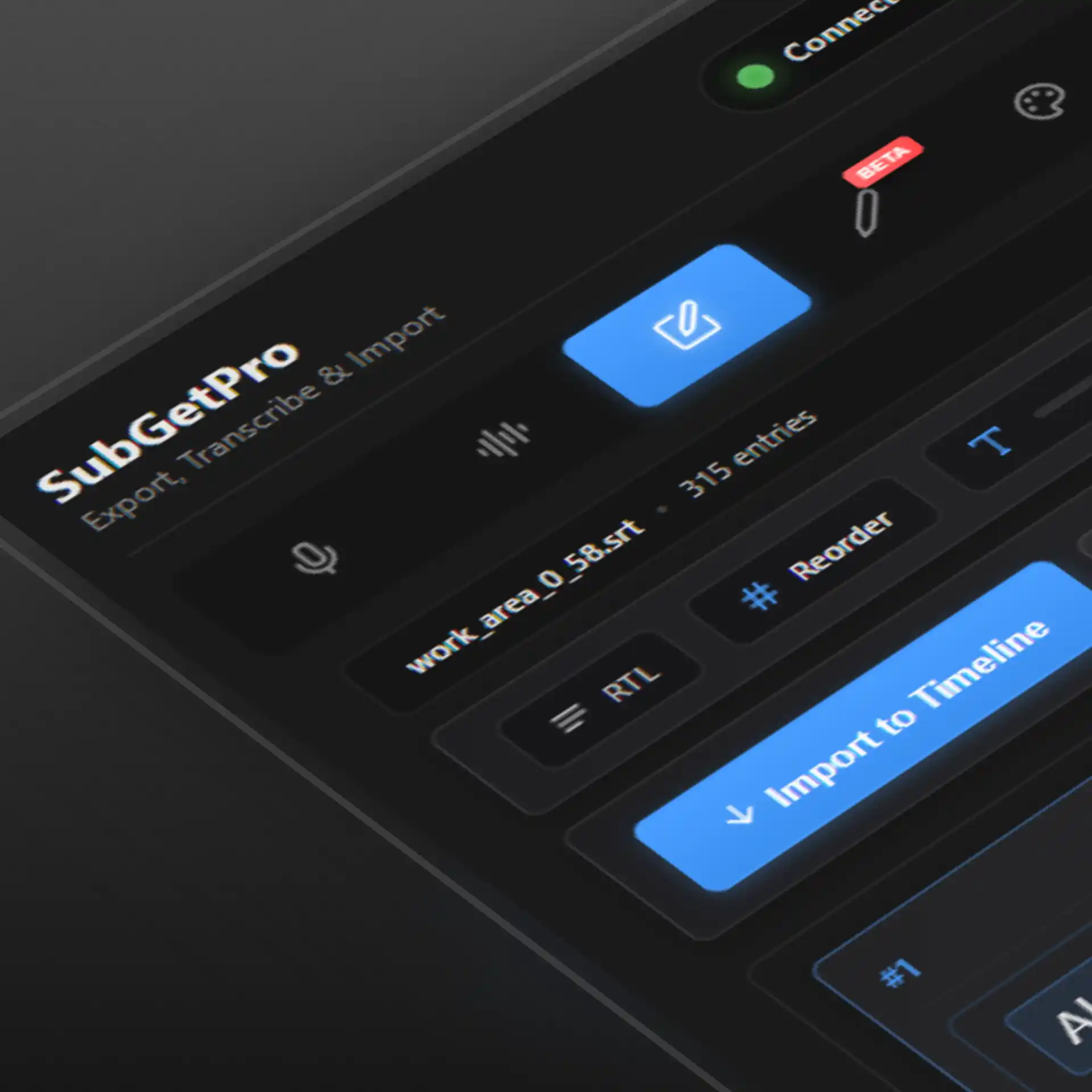
RTL Support
Full right-to-left support for Arabic, Hebrew, Persian, Urdu, and other RTL languages. Proper text rendering and alignment.
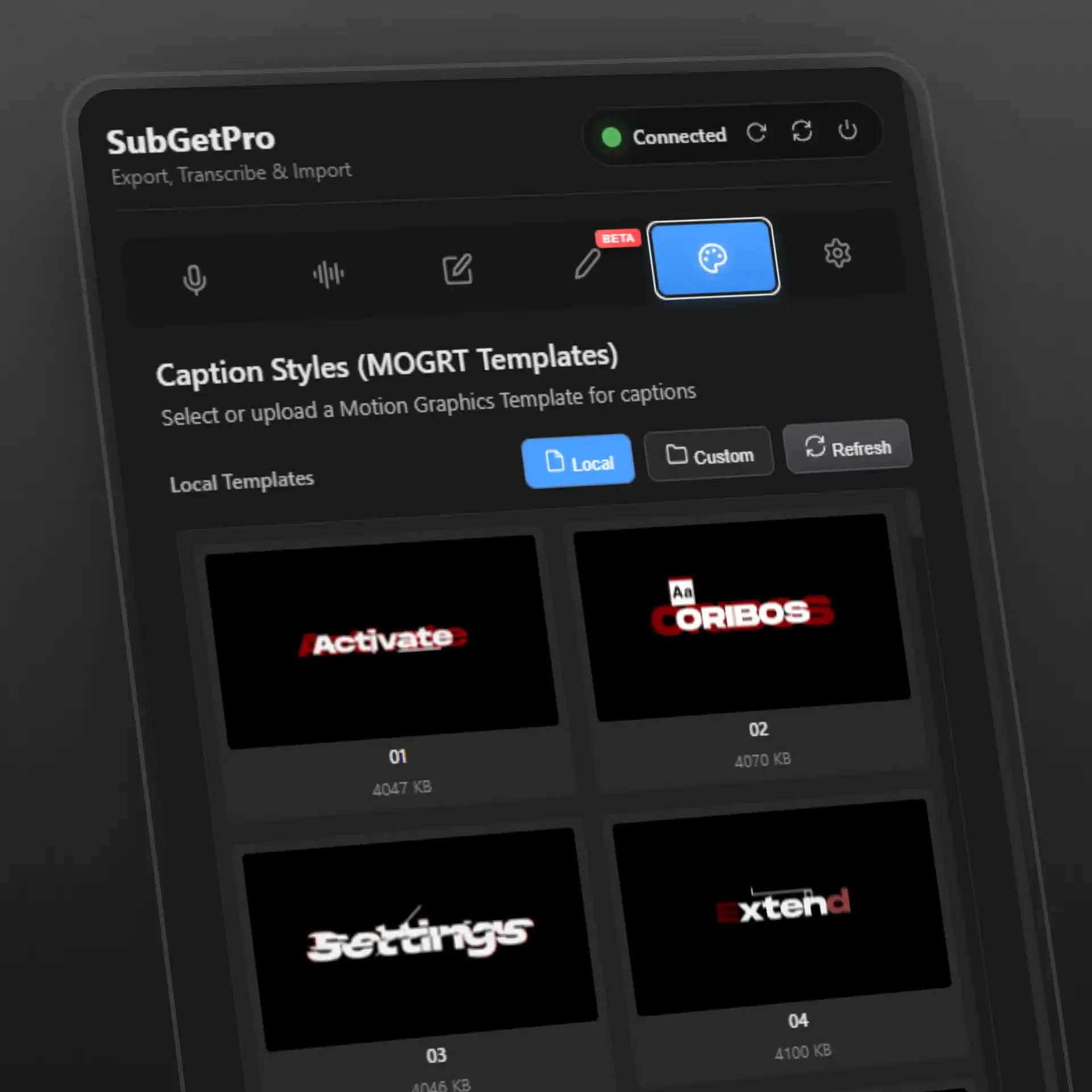
MOGRT Caption Styles
Apply professional Motion Graphics templates to your captions. Browse local or custom MOGRT folders, preview thumbnails, and insert styled captions directly to your timeline.
GPU Acceleration
Lightning-fast processing with GPU support for instant results. Up to 10x faster than CPU-only processing.
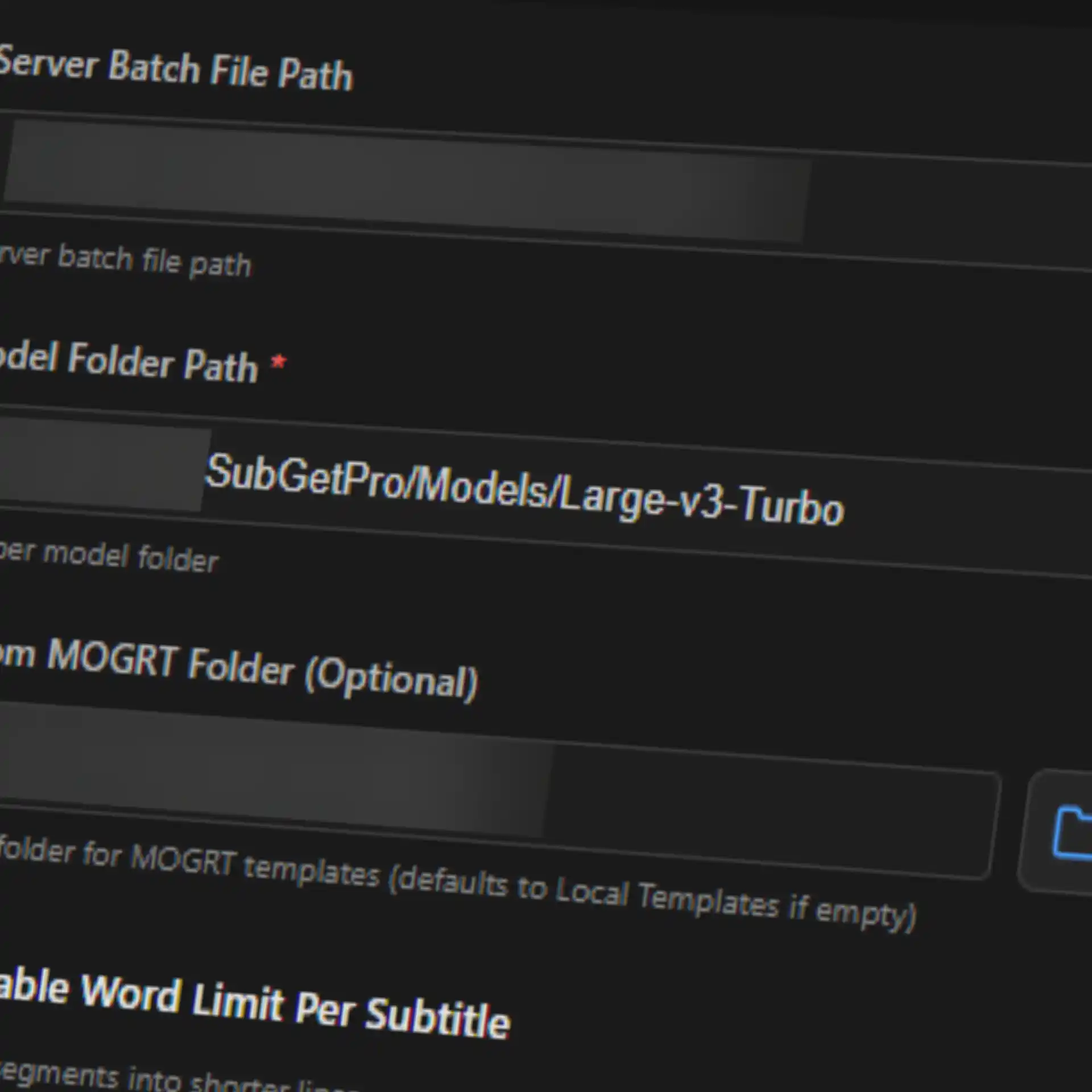
Offline Processing
Works completely offline after initial setup. All processing happens locally on your machine - no cloud uploads, no internet required.
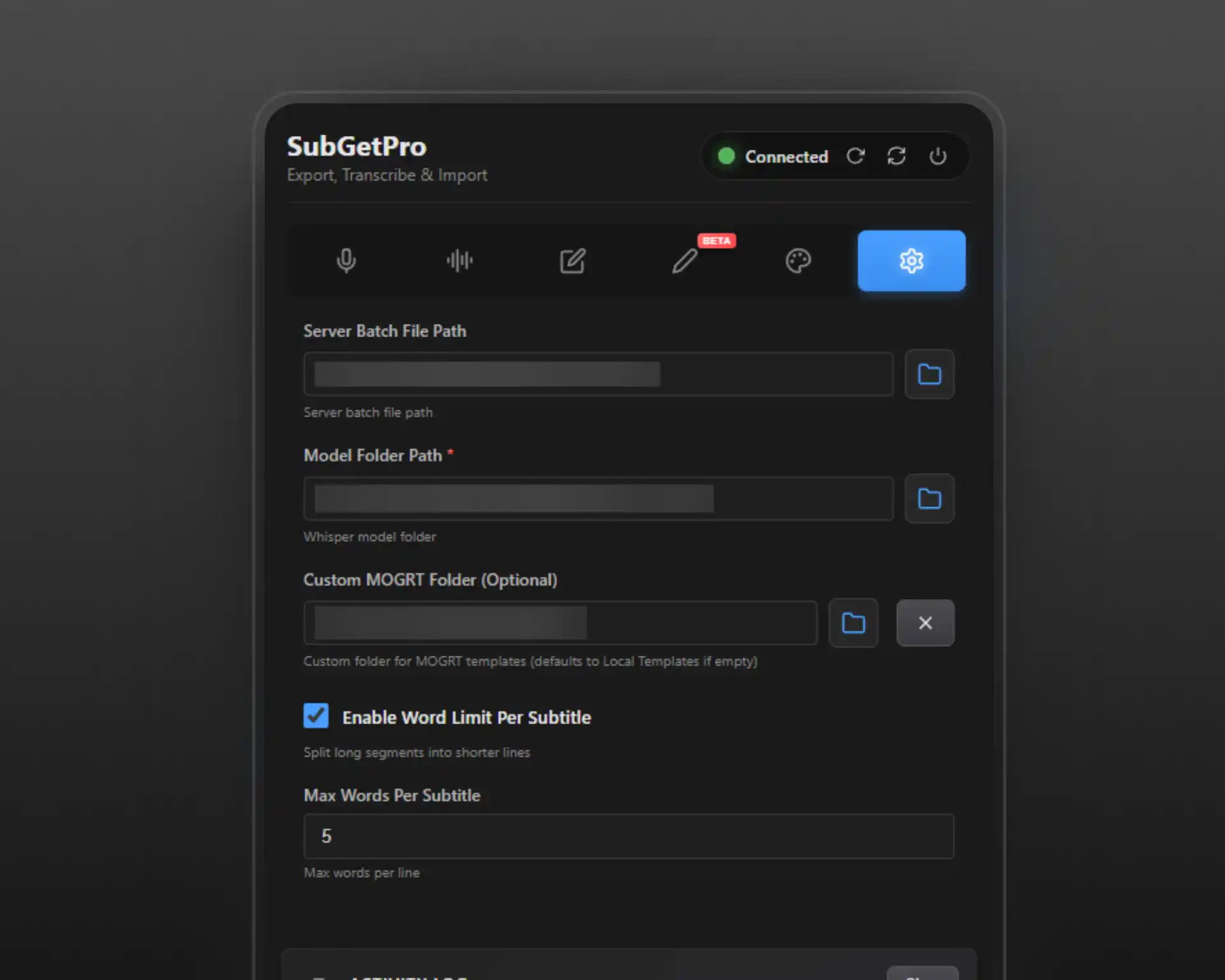
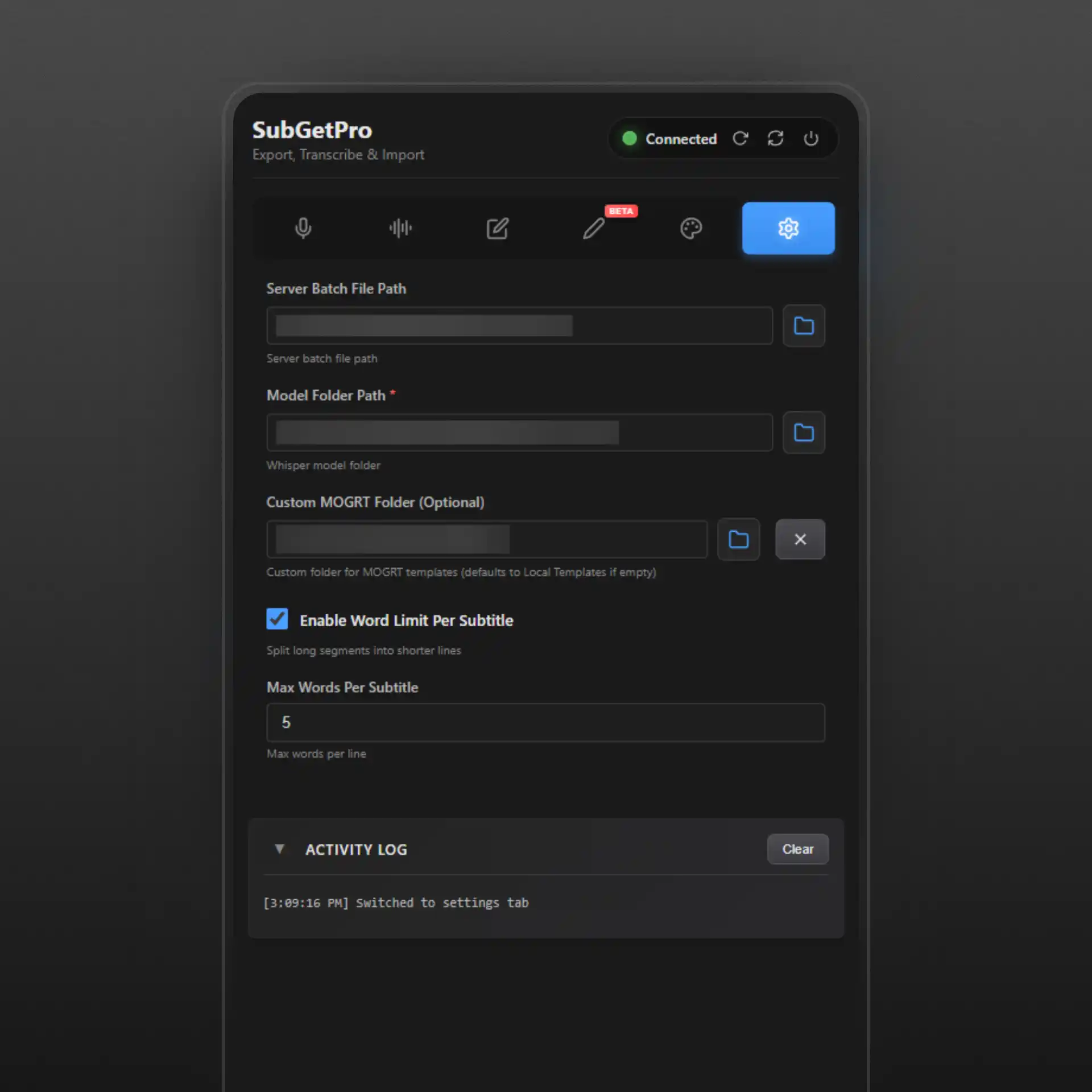
Settings Panel
Customizable settings for model selection, processing preferences, and export options. Fine-tune every aspect of your workflow.
How It Works
Get started in minutes with our streamlined 4-step process
Install
Run setup script and install extension
Select
Choose clips or use work area mode
Transcribe
Click transcribe and let AI work
Import
Add subtitles directly to timeline
Why SubGetPro?
The smart alternative to expensive subscriptions. Pay once, own forever.
No Subscriptions
Pay once ($29), own forever. No monthly fees.
100% Local
Process everything offline. No cloud uploads.
Lightning Fast
10x faster than manual transcription.
Easy to Use
Intuitive interface, works seamlessly.
Frequently Asked Questions
Everything you need to know about SubGetPro
Is this really a one-time payment?
Yes! Pay $29 once and own SubGetPro forever. No monthly subscriptions, no hidden fees.
Does it work offline?
Absolutely! SubGetPro processes everything locally on your computer. No internet required after setup.
How accurate is the transcription?
SubGetPro uses OpenAI's Whisper AI, achieving 99% accuracy for clear audio.
What languages are supported?
Over 100 languages including English, Spanish, French, German, Chinese, Japanese, Arabic, Hebrew, and more.
Can I use it for commercial projects?
Yes! Your license includes commercial use. Create subtitles for client work, YouTube videos, courses, etc.
What if I need help?
We provide email support for all users. Check our comprehensive documentation for guides and tutorials.
Ready to Transform Your Workflow?
Join hundreds of video editors. One-time payment of $29. No subscriptions, no limits.
✓ Instant access • ✓ No monthly fees • ✓ Lifetime updates